In this article10 sections
Hooks are how WordPress lets you change its behaviour without editing its core files. Every plugin and theme you have ever installed uses them. Once you understand WordPress hooks, reading other people’s code becomes much easier, and writing your own plugins feels natural.
There are two kinds of hooks: actions and filters. They look similar but do different jobs.
Actions: run your code at a certain moment
An action says “something just happened, do you want to do anything?” Your function runs at that moment. It does not need to return anything.
function my_footer_message() {
    echo '<p>Thanks for visiting!</p>';
}
add_action( 'wp_footer', 'my_footer_message' );
Here, wp_footer is the hook, and my_footer_message runs when WordPress prints the footer. Other common actions include init, wp_enqueue_scripts, admin_menu and save_post.
Filters: change a value and hand it back
A filter says “here is some data, would you like to change it before I use it?” Your function receives the data, modifies it and must return it.
add_filter( 'the_content', function ( $content ) {
    if ( is_single() && in_the_loop() && is_main_query() ) {
        $content .= '<p>Thanks for reading!</p>';
    }
    return $content;
} );
This adds a line after every single post. The conditions make sure it only runs on the main post content, not in widgets or sidebars. Other common filters include the_title, body_class, excerpt_length and upload_mimes.
The difference in one sentence
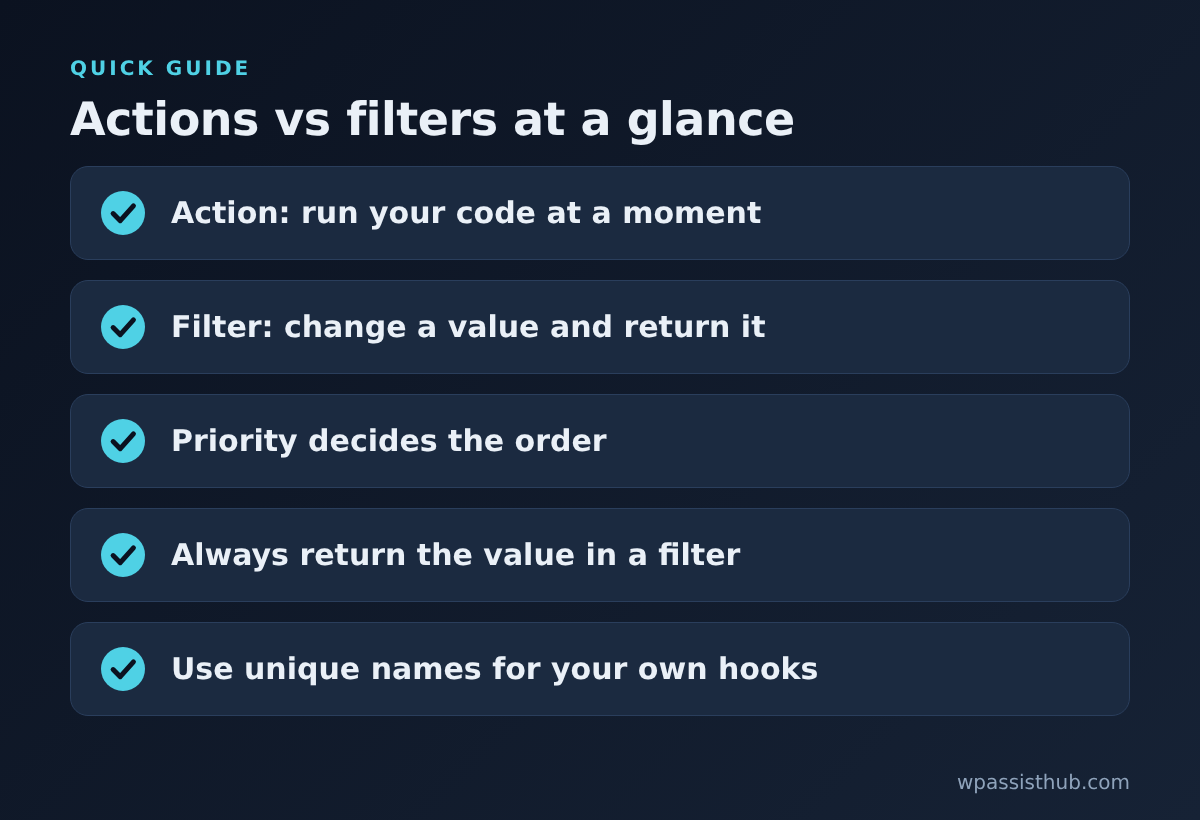
An action does something. A filter changes something and returns it. If your function does not return the value in a filter, the data disappears, and you will see blank output.
The function signature
Both add_action() and add_filter() take the same arguments:
add_action( $hook_name, $callback, $priority = 10, $accepted_args = 1 );
- Priority decides the order. Lower numbers run first. The default is 10. If two functions use the same priority, they run in the order they were added.
- Accepted args tells WordPress how many values to pass to your function.
For example, save_post passes three values: the post ID, the post object and whether it is an update:
function my_log_save( $post_id, $post, $update ) {
    if ( wp_is_post_revision( $post_id ) ) {
        return;
    }
    error_log( 'Saved post' . $post_id );
}
add_action( 'save_post', 'my_log_save', 10, 3 );
Removing a hook
You can undo another plugin’s or theme’s hook with remove_action() and remove_filter(). The priority and callback must match what was used to add it:
remove_action( 'wp_footer', 'my_footer_message', 10 );
You cannot remove an anonymous function this way, which is why named functions are better when others might need to change your code. Remove hooks on a later hook, such as init, so the original has already been added.
Creating your own hooks
Good plugins let other developers extend them. You can add your own hooks with do_action() and apply_filters():
// An action other code can listen to.
do_action( 'myplugin_after_order_saved', $order_id );

// A filter other code can change.
$label = apply_filters( 'myplugin_button_label', 'Buy now' );
Always prefix hook names with your plugin name, so they do not clash. Anyone can now change your button text with add_filter( 'myplugin_button_label', ... ).
Common mistakes
- Forgetting to return in a filter. The most common cause of blank output.
- Hooking too early. Some functions are not available until later hooks. For example, the current user is not ready before
init. - Wrong accepted-args number. You will only receive the first value.
- Using the wrong priority. If your change is overridden, try a higher number so yours runs last.
- Heavy code on hooks that run every time.
initandwp_headrun on every page load. Keep them light.
How to find the right hook
- Search the WordPress Developer Resources hook reference for what you want to change.
- Search the code of a plugin that does something similar.
- Use
has_action()orhas_filter()to check whether a hook has callbacks. - The Query Monitor plugin can show which hooks run on a page and what is attached.
Frequently asked questions
Can one function be used for both an action and a filter?
Technically yes, because both are stored in the same system. But it makes the code confusing, so keep them separate.
What happens if two plugins use the same hook?
Both run, in priority order. If they conflict, change the priority of yours.
Do hooks slow down WordPress?
A hook itself is cheap. The code you attach to it is what costs time, so keep functions on frequent hooks fast.
Summary
Actions run your code at a moment. Filters change a value and return it. Learn the signature, pick the right priority, and always return in a filter. When you are ready to apply this, try building a plugin from scratch.

We build lightweight WordPress plugins and write practical, tested guides for site owners and developers. Our team is led by a WordPress Core Contributor with 6+ years of WordPress experience.
About us →