
In this article9 sections
Images are among the most copied content on the web. A photographer can lose a portfolio to a scraper, a shop can lose product photos to a competitor, and a blogger can find their pictures on someone else’s site with no credit.
You cannot make an image impossible to copy, because anyone can take a screenshot. You can make theft harder, make ownership obvious, and stop other sites from using your bandwidth.
Step 1: Block easy copying
Most image theft is casual: right-click, “Save image as”, or dragging a picture to the desktop.
- Disable right-click on pages with valuable images. See our guide to disabling right-click in WordPress.
- Disable image dragging and dropping. The free plugin Disabled Source, Disabled Right Click and Content Protection has a Disable Image Drag/Drop option.
- Disable print preview if you do not want pages printed as PDFs.
Step 2: Add a watermark
A watermark is a visible mark, usually your logo or site name, placed on the image. It is the most reliable way to keep credit with your picture, because it travels with the file.
- Keep it semi-transparent and place it where it is hard to crop out, such as across the centre or a corner of the main subject.
- Apply it to the version you publish, and keep clean originals offline.
- The Pro version of the plugin above includes a Watermark Images feature, which applies it on your site. You can also use a photo editor to add marks before uploading.
Step 3: Stop hotlinking
Hotlinking is when another website displays your image straight from your server. It costs you bandwidth and gives them free use of your picture.
If your host uses Apache, add this to the top of your .htaccess file, replacing yourdomain.com with your domain:
RewriteEngine on
RewriteCond %{HTTP_REFERER} !^$
RewriteCond %{HTTP_REFERER} !^https?:(www.)?yourdomain.com [NC]
RewriteRule .(jpg|jpeg|png|gif|webp)$ - [NC,F,L]
Back up the file first. If your site runs on Nginx, or behind a CDN such as Cloudflare, use the hotlink protection setting in your host’s panel or the CDN’s dashboard instead. Be aware that this rule may also block your images from showing in some email tools or social previews, so test those after you save.
Step 4: Upload web-sized images
A 6000-pixel original is a gift to a thief. Upload images at the size you need for display, such as 1600 pixels wide for full-width pictures. Smaller files also load faster, which helps your page speed.
Keep your originals on your computer or in private cloud storage.
Step 5: Add copyright information
- Write your name and a copyright line into the image’s metadata (IPTC fields) in your photo editor before uploading.
- Put a copyright line in your footer, for example, “Photos © 2026 Your Name”
- Consider adding a short licensing page that tells people how to ask for permission.
Step 6: Find copies of your images
- Use Google Lens or Google Images’ reverse image search by uploading a photo.
- Try TinEye for another database.
- Check your hosting statistics for odd referrers, which can reveal hotlinking.
When you find a copy, follow the same takedown steps in our guide to protecting WordPress content from being copied: contact the site, then the host, then send a DMCA notice if needed.
Will this hurt SEO?
Not if you do it carefully. Right-click blocking and drag blocking do not affect crawlers. Keep your alt text and file names descriptive, and avoid putting heavy watermarks over product images that you want to appear well in image search.
Frequently asked questions
Can I completely stop image theft?
No. Anyone can take a screenshot. The goal is to make casual theft harder and ownership clear.
Does hotlink protection hurt SEO?
Not normally, but a strict rule can block image previews on some social networks or email tools. Test those after you turn it on.
Should I watermark every image?
Not necessarily. Watermark the ones that matter most, such as portfolio work or paid photos, and keep decorative images clean.
Summary
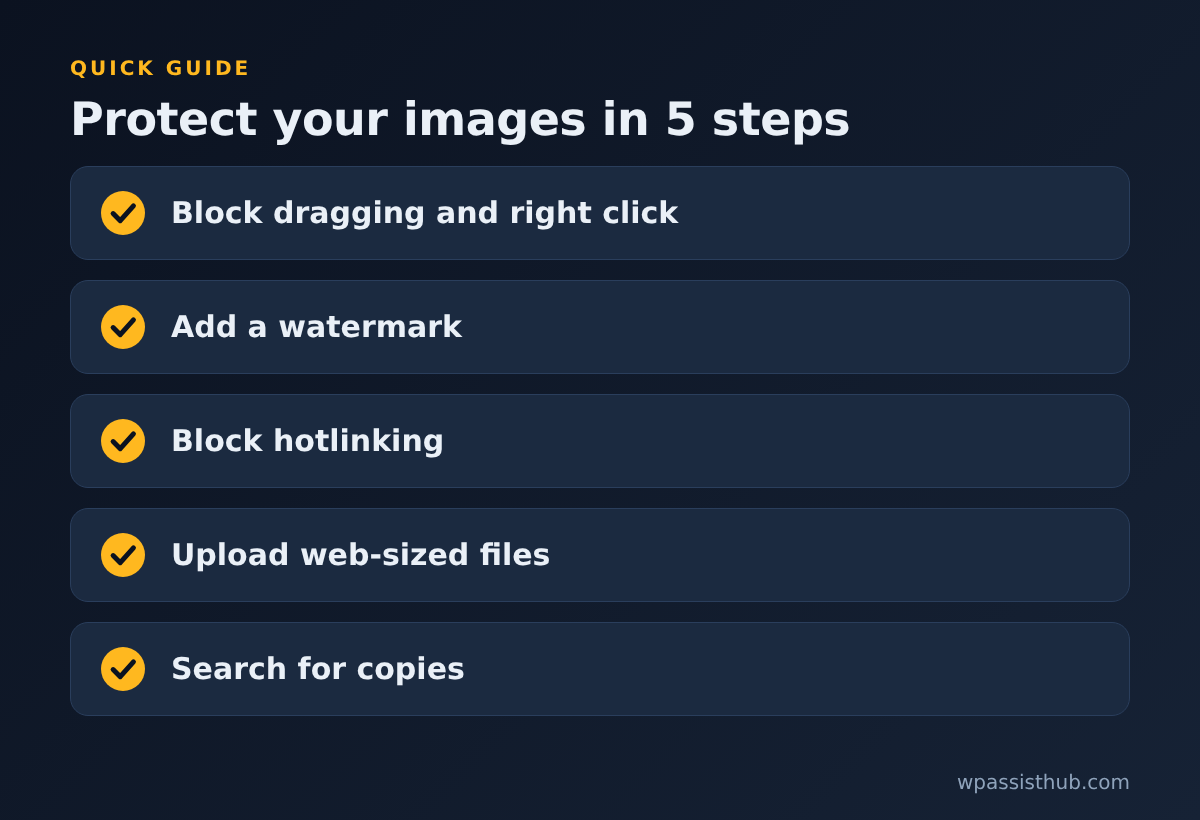
Combine a few layers: block dragging and right-clicking, watermark important images, disable hotlinking, upload web-sized files, and search for copies regularly. No single method is perfect, but together they discourage most thieves.
Disclosure: I develop the plugin mentioned in this guide.

We build lightweight WordPress plugins and write practical, tested guides for site owners and developers. Our team is led by a WordPress Core Contributor with 6+ years of WordPress experience.
About us →