In this article8 sections
If your site grows, someone will eventually copy it. Scrapers republish articles, other bloggers lift your images, and competitors paste your product descriptions. You cannot stop every copy, but you can make theft harder, easier to spot, and easier to remove.
This guide uses a layered approach. No single step is perfect, but together they cover most real-world cases.
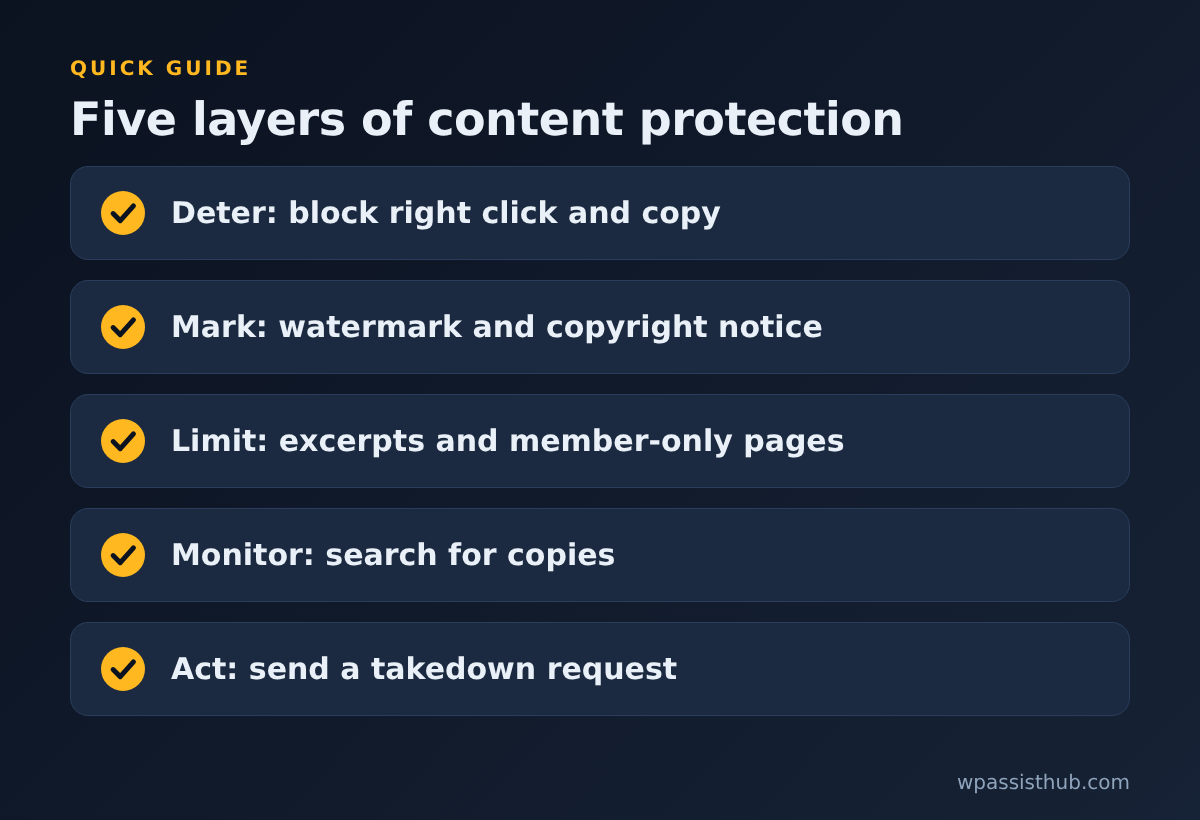
Layer 1: Deter casual copying
Most copying is casual: someone right-clicks an image or selects a paragraph. A few settings stop the majority of it.
- Disable right-click. See our guide to disabling right-click in WordPress.
- Block copy and developer shortcuts such as Ctrl+C, Ctrl+U, and F12. Our post on disabling View Source and Inspect Element explains how.
- Stop image dragging so images cannot be pulled to the desktop.
- Disable print preview if you do not want pages printed to PDF.
The free plugin Disabled Source, Disabled Right Click and Content Protection includes all of these, along with options to apply them only to certain roles, post types, or page IDs.
Layer 2: Mark your work
Marking content does not prevent copying, but it makes theft obvious and strengthens your case later.
- Add a visible copyright line in the footer, such as “© 2026 Your Site. All rights reserved.”
- Use watermarks on images that matter. The plugin above lists Watermark Images as a Pro feature.
- Add credit and copyright information to image metadata before you upload.
- Keep dated drafts, original image files and screenshots of your published pages. They help prove you were first.
Layer 3: Limit what is exposed
Not everything needs to be public and complete.
- Use excerpts in your RSS feed. In Settings → Reading, set “For each post in a feed, include” to Excerpt. Scrapers that pull from feeds then only get a summary.
- Put premium material behind a login or password. See how to password-protect a page or post.
- Restrict the REST API for logged-out visitors if you do not need public access. Read the cautions in our post on disabling the WordPress REST API first.
- Protect images from hotlinking so other sites cannot display your pictures from your server. Details are in how to protect images on WordPress.
Layer 4: Monitor for copies
You cannot act on copies you never find.
- Search for a distinctive sentence from your article in quotation marks on Google.
- Run a reverse image search on your most valuable photos.
- Set up Google Alerts for your brand name and a few unique phrases.
- Use a plagiarism checker such as Copyscape for important pages.
- Add internal links in your posts. When a scraper copies the text, those links often come with it and point back to you.
Layer 5: Act when someone copies you
If you find a copy, work through these steps in order:
- Contact the site owner. A short, polite email with the URLs of your original and the copy often solves it.
- Contact the host. Find the host with a WHOIS or hosting lookup and send an abuse or copyright complaint.
- Send a DMCA takedown notice. Hosts and search engines accept these. Include the original URL, the infringing URL, a statement of ownership, and your contact details.
- Use Google’s removal tools. Google has a copyright removal form that can remove infringing pages from search results.
Laws differ by country, so check local rules or ask a lawyer if the copying is serious or commercial.
What not to expect
Be realistic: screenshots, manual retyping, and AI-assisted rewriting cannot be blocked by any plugin. The aim is to remove the easy options, make ownership obvious, and have a clear response when theft happens.
Frequently asked questions
Is it legal for someone to copy content from my website?
Generally no. Copyright covers original writing and images, although the rules vary by country and by how much was copied and how it was used. If the copying is serious or commercial, ask a qualified lawyer.
What is the fastest way to get copied content removed?
Contact the site owner first, then the web host, then send a DMCA notice or a Google copyright removal request. Hosts often act within days when you include both URLs and proof of ownership.
Will copy protection hurt my SEO?
Deterrents such as right-click blocking do not change what search engines read, so they do not affect your rankings.
Quick protection checklist
- Right-click, copy, and developer shortcuts blocked
- Image drag blocked and hotlinking disabled
- Copyright notice in the footer
- RSS feed set to excerpts
- Valuable content behind a login or password
- Monthly search for copied text
- A takedown email template ready to send
Start with the first item today. It takes a few minutes and covers the most common cases.
Disclosure: I develop the Disabled Source plugin mentioned in this guide.

We build lightweight WordPress plugins and write practical, tested guides for site owners and developers. Our team is led by a WordPress Core Contributor with 6+ years of WordPress experience.
About us →