In this article9 sections
The WordPress REST API lets other apps and your own site read and write data in a structured format. Open yoursite.com/wp-json/ , and you will see it. It powers the block editor, many plugins, and mobile apps. It is also public by default, which makes some site owners want to turn it off.
The short version: turning it off completely often breaks things. Restricting it to logged-in users is usually the better move.
What the REST API is used for
- The block editor (Gutenberg) uses it to save and load content.
- Contact form plugins, such as Contact Form 7, use it to submit forms.
- WooCommerce and many other plugins use it for admin screens and apps.
- Headless sites and mobile apps use it to fetch content.
- The Site Health screen and some security plugins rely on it.
Why some people restrict it
- User enumeration. The
wp/v2/usersroute can list usernames on some setups, which helps attackers who are trying to guess logins. - Content scraping. Your posts are available as clean JSON, which is easy for scrapers to collect.
- Reducing attack surface. If you do not need public API access, closing it removes one thing to worry about.
What can break if you disable it completely
- The block editor may stop working properly.
- Contact forms may fail to send.
- Plugin admin pages may show errors or blank screens.
- Mobile apps and external integrations will stop working.
- Site Health may report problems.
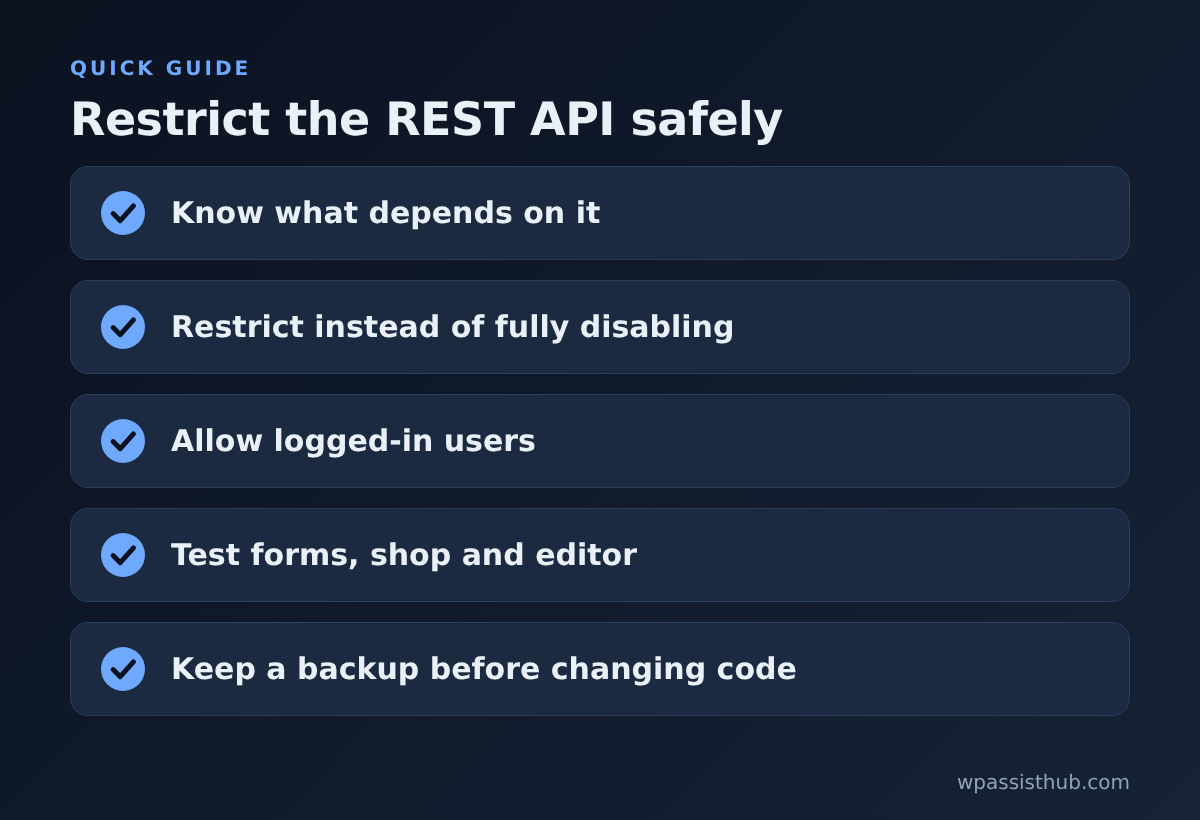
For that reason, do not switch it off site-wide unless you know every tool you use does not need it.
The safer option: allow only logged-in users
This snippet blocks the API for visitors who are not logged in, while the editor and plugins in your dashboard keep working. Add it to your child theme’s functions.php or a code snippets plugin:
add_filter( 'rest_authentication_errors', function ( $result ) {
    if ( ! empty( $result ) ) {
        return $result;
    }
    if ( ! is_user_logged_in() ) {
        return new WP_Error(
            'rest_not_logged_in',
            'You are not currently logged in.',
            array( 'status' => 401 )
        );
    }
    return $result;
} );
After adding it, visit yoursite.com/wp-json/ in a private window. You should see an error instead of data.
Check these things after the change
- Submit a test message through every contact form on your site.
- Open the block editor, make a small edit, and save.
- If you run WooCommerce, place a test order and open the admin order screen.
- Run Site Health under Tools → Site Health.
- If a form or feature breaks, remove the snippet and look for an exception, such as allowing a specific route.
Always make a backup before editing code, and use a child theme so your change survives theme updates.
Using a plugin instead
If you would rather not edit code, the Pro version of Disabled Source, Disabled Right Click and Content Protection lists a Disable REST API option, along with Disable CDN, Watermark Images, Page Block by Password, Change Login Slug and Magic Login Link. Test your forms and editor after you turn it on, as you would with the code approach.
Related protection
Blocking the API is only one step. For a wider view, see our WordPress security checklist and the guide to protecting WordPress content from being copied.
Frequently asked questions
Is it safe to disable the REST API completely?
Usually not. The block editor, contact forms, and many plugins rely on it, so restrict it for logged-out visitors instead.
How can I check whether my REST API is public?
Open yoursite.com/wp-json/ in a private browser window. If you see a block of JSON data, it is public.
Will restricting the REST API affect SEO?
Search engines read your normal HTML pages, so restricting the API for logged-out visitors does not normally change rankings. The exception is a headless site that loads its content through the API.
Summary
The REST API is useful, and many parts of WordPress depend on it. Restrict it to logged-in users, test your forms and editor, and only disable it fully if you are sure nothing needs it.
Disclosure: I develop the plugin mentioned in this guide.

We build lightweight WordPress plugins and write practical, tested guides for site owners and developers. Our team is led by a WordPress Core Contributor with 6+ years of WordPress experience.
About us →