In this article6 sections
A brute force attack is simple: a bot tries many username and password combinations until one works. WordPress sites are popular targets because almost all of them share the same login address and the same default behaviour.
You do not need to be famous to be attacked. Bots scan the internet for WordPress sites automatically, so even a small blog gets hit.
How a brute force attack works
- The bot finds your login page, usually
/wp-login.php. - It tries common usernames such as
admin, or usernames it found on your site. - It tries passwords from a list of leaked or common passwords, thousands at a time.
- If one pair works, the attacker is in.
Variations include credential stuffing, which reuses passwords leaked from other websites, and attacks through XML-RPC, an old WordPress interface that can test many passwords in a single request.
Signs your site is being attacked
- Your server is slow, with high CPU use that does not match your traffic.
- Your access log has many
POST /wp-login.phprequests from the same IPs, or from many IPs in a short time. - You receive security plugin alerts or lockout emails.
- Users report that they cannot log in.
- You see failed login entries for usernames that do not exist on your site.
How to stop brute force attacks
No single trick is enough, so combine several.
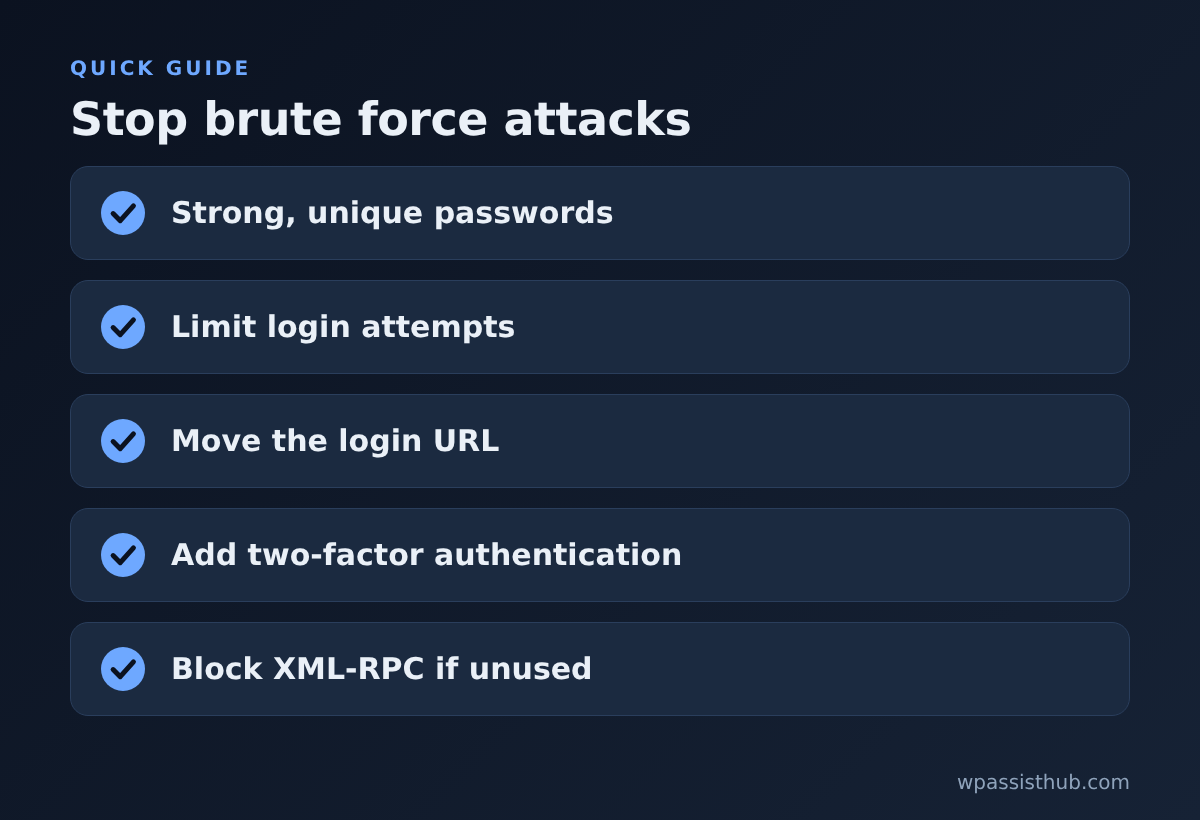
1. Use strong, unique passwords
This is the most effective step. Use a password manager to create long random passwords for every user, and never reuse one from another site. Remove or rename any user called admin.
2. Limit login attempts
By default, WordPress allows unlimited attempts. Locking an IP out after a few failures turns a million guesses into a handful. See our guide to limiting login attempts in WordPress.
3. Move your login page
Bots mostly try the default path. Moving it removes most automated traffic. Read how to change the WordPress login URL.
4. Add two-factor authentication
Even if a password is guessed, the attacker still needs the code from your phone. Set it up with our two-factor authentication guide, at least for administrators and editors.
5. Block countries or IPs you do not need
If a large share of attacks comes from regions where you have no visitors, block them from reaching the login page. See how to block countries from your WordPress login. Keep in mind that VPNs make country blocking imperfect.
6. Disable XML-RPC if you do not use it
XML-RPC is needed by only a few apps and services. If you are not using it, you can turn it off with one line in a code snippets plugin or your child theme:
add_filter( 'xmlrpc_enabled', '__return_false' );
Check first that no tool you depend on, such as an older mobile app or some remote publishing tools, needs it.
7. Keep everything updated
Update WordPress core, plugins and themes. Attackers also try known vulnerabilities, not just passwords.
What to do if an attack succeeds
- Change the password for every administrator and, if possible, reset all user sessions.
- Check Users for accounts you do not recognise and delete them.
- Scan your files with a security plugin and compare them with clean copies of WordPress core and your plugins.
- Review recently changed files and scheduled tasks.
- Restore from a clean backup if you find malware, then fix the cause before you go live again.
Frequently asked questions
Can a brute force attack break a strong password?
It is very unlikely to guess a long random password, but the attempts can still slow down your site. Login limits and two-factor authentication add protection.
Is my site being targeted personally?
Usually not. Bots scan the internet for WordPress login pages automatically, so small sites are attacked too.
Should I disable XML-RPC?
If no app or service you use needs it, yes. If you rely on an older mobile app or remote publishing tool, test first, because turning it off will break it.
Summary
Brute force attacks are constant background noise on the web, not a sign that you were singled out. Strong passwords, limited attempts, a custom login URL and two-factor authentication together make them harmless. For a broader list, use our WordPress security checklist.

We build lightweight WordPress plugins and write practical, tested guides for site owners and developers. Our team is led by a WordPress Core Contributor with 6+ years of WordPress experience.
About us →